Showing posts with label Mobile Solution. Show all posts

Thursday, May 4, 2017

IN-Box V4.8.0

IN-Box V4.8.0 iCLOUD  Lock Remover

IN-Box V4.8.0 iCLOUD  Lock Remover Free Download


Free Download IN-Box V4.8.0 OFFICIAL For iPhone iCloud Remove
IN-Box V4.8.0 Is The First Standalone (No Internet)
Tool To Remove iCloud Lock On iphone Devices
The Tool Support For 32bit And 64bit
Of All Apple Products

--FREE DOWNLOAD--

Free Download IN-Box V4.8.0 From The Links Below

--NO PASS--


Monday, June 20, 2016

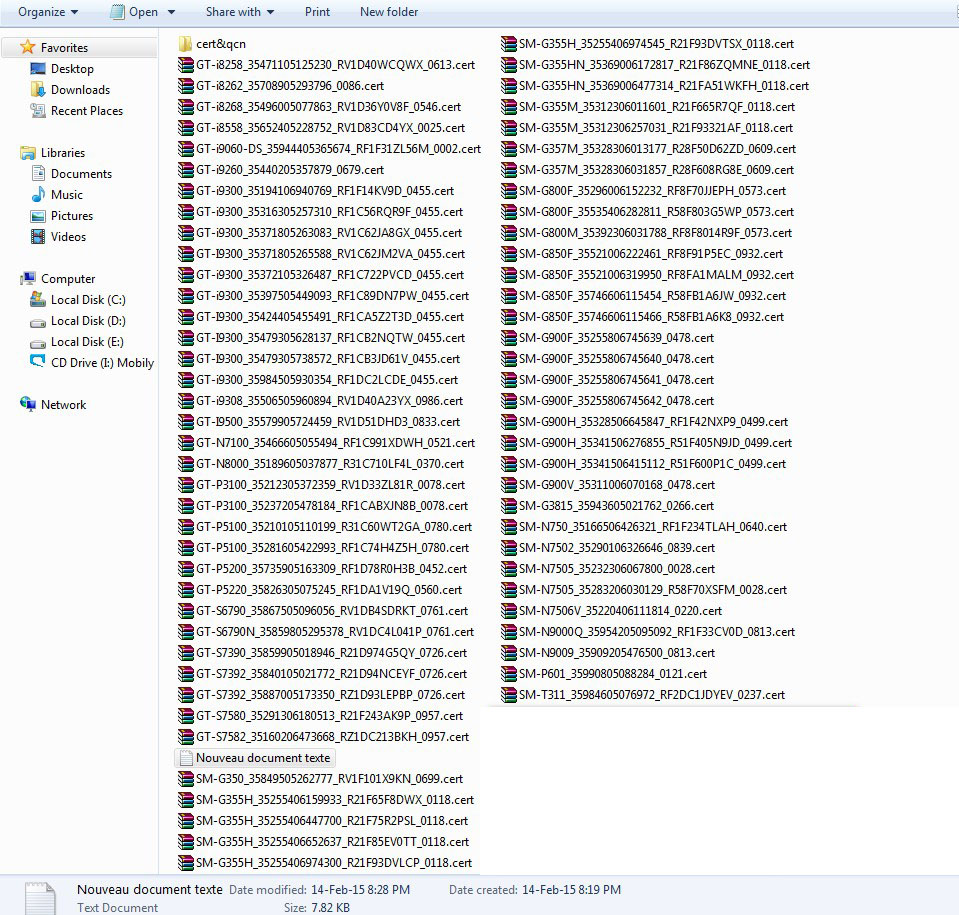
Samsung All EFS Files

<< Samsung All EFS Files Free Download >>

Free download all Samsung efs files flash by odin
You need to download odin to flash the efs to the mobile device.

First run odin and put the Samsung mobile device in download mode
by pressing the volume down key and the home key then the
power key together,finally press the volume up key to enter the device in
download mode.


Next plug your Samsung mobile device to the pc then tick phone tab
and choose your efs file to flash.
For new odin tick CP instead of Phone tab.
Press start tab in odin to flash the efs to the device and wait
until finish and all done.
Download the Samsung efs files from the link below without password.


Tuesday, May 17, 2016

Qualcomm FRP Script V1

<< Qualcomm Frp Script V1 >>

Qualcomm frp script is a script specially made for frp removal.
The scripts are set to remove frp lock
on qualcomm android  devices.

The script supports variant Qualcomm devices :

LENOVO FRPFirst full process (for Lenovo )
Press volume down key then press power key in power off mode to enter fast boot mode.
open script and press 1 to remove frp
Wait for phone to boot up fully, done

XIAOMI FRP
2nd full process (for xiaomi )Press volume down key then press power key in power off mode to enter fast boot mode.
open script and press 2 to remove frp
Wait for phone to boot up fully, done

MOTO FRP
3rd full process (for moto )
To this we must do the bypass, and once having access to configuration
we enable USB debugging and connect to our pc
After having connected the phone open the ADB (keep the phone unlocked configuration)

open script and press 3 to remove frp
Wait for phone to boot up fully, done

YUPHORIA FRP
4th full process (for Yu Phone )process (for Yu-5010 and Yu-5010A)


  1. Press volume up key then press power key in power off mode to enter fast boot mode.
    process (for Yu-4711) 
  2. Press volume up key then press power key in power off mode to enter into recovery mode
    -Select reboot to Bootloader


open script and press 4 to remove frp
Wait for phone to boot up fully, done

DEEP FRP
5 full process (for DEEP )Conect any qualcomm handset to enter fast boot mode.
open script and press 5 to remove frp
Wait for phone to boot up fully, done


Thursday, May 5, 2016

BlackBerry 10 Error 10-0015 Solution


<< BlackBerry 10 Error 10-0015 Solution >>

Blackberry error 10-0015 is the most feared error in the BlackBerry 10 universe.
Your BlackBerry 10 smartphone won't start up once the error occured
and will display an image with the error link like in the image below


There are other BlackBerry 10 errors and are all discribed by their
link error numbers.

Overview: 
  • www.bberror.com/bb10-0001
  • www.bberror.com/bb10-0002
  • www.bberror.com/bb10-0003
  • www.bberror.com/bb10-0004
  • www.bberror.com/bb10-0005
  • www.bberror.com/bb10-0015
  • www.bberror.com/bb10-0016
  • www.bberror.com/bb10-0017


Cause: One of the following applies

  • 0001 / 0002 - The installed BlackBerry 10 OS version is not supported on the device.
  • 0003 - A critical error was encountered while loading the BlackBerry 10 OS.
  • 0004 - The installed radio software is not supported on the device.
  • 0005 - The installed radio software is missing or invalid.
  • 0015 / 0016 /  0017 - A fatal file system error was encountered.


Solution:
The are two ways to solve this issue.
The first one is Download blackberry link on your computer and reload the device software
The second one is to download the autoloader for your device,open the autoloader and follow the instructions.
The autoloaders can be found in my previous posts.


Tuesday, May 3, 2016

Samsung Ch@t E2220 Simlock & Blinking Solution

Samsung ch@t e2220 simlock & blinking done by flashloader

How it works:
  • Install the usb drivers to your pc
  • Open the loader & click on " SET MODEL" & select "E2220_TEXTOSS_setting_v00.mdl"
  • Click on Application binary file & select "E2220UTKF3.ptt"
  • Click on Tfs & select "E2220UTKF3.tfs"
  • Click on Csc & select "E2220ZTAKF3.csc"
  • Press Start & wait until download status shows a blue line
  • Turn off the phone by pulling out the battery then insert battery (Do not turn on phone)
  • Now hold the keys Q+W+A+S together & plug the phone
Wait until process is complete and all done...Enjoy


Sunday, May 1, 2016

Samsung New Security FRP Lock Solution

<< Samsung New Security FRP Lock Solution >>


Download sidesync samsung for windows and for mac
on the links below post

Steps:

  1. Download & install sidesync on your pc
  2. Open sidesync & connect the mobile device
  3. On the pop up menu choose internet browser
  4. Go to http://www.huadongle.ir/frp/hua.apk
  5. Click on bookmarks  >history >download history
  6. Install settings.apk
  7. Open settings.apk & go to security then create  a pin for screen lock 0000
  8. Go to other security settings >trusted >agents >turn off google smart lock
  9. Go to easy mode & choose easy mode then done
  10. Go back to settings.apk & choose standard mode then done
  11. Keep repeating step 9-10 until the home screen appears in normal mode
  12. Go to google play & enter your pin 0000 then setup a new google account
  13. Restart the phone once completed then go to settings >accounts & remove the google account
  14. Put phone to download mode to see FRP lock is off
You can now factory reset the phone and go through the activation process normal it won't ask for gmail for activation.


Saturday, April 30, 2016